A2Vinyl scanner app

The vinyl scanner that reads barcodes and album covers.

The fastest way to add vinyl to a collection: point your iPhone at the barcode, or photograph the cover when there isn’t one, and Sleevewise finds the pressing on Discogs.

Coming soon to the App StoreFree up to 100 records · iPhone
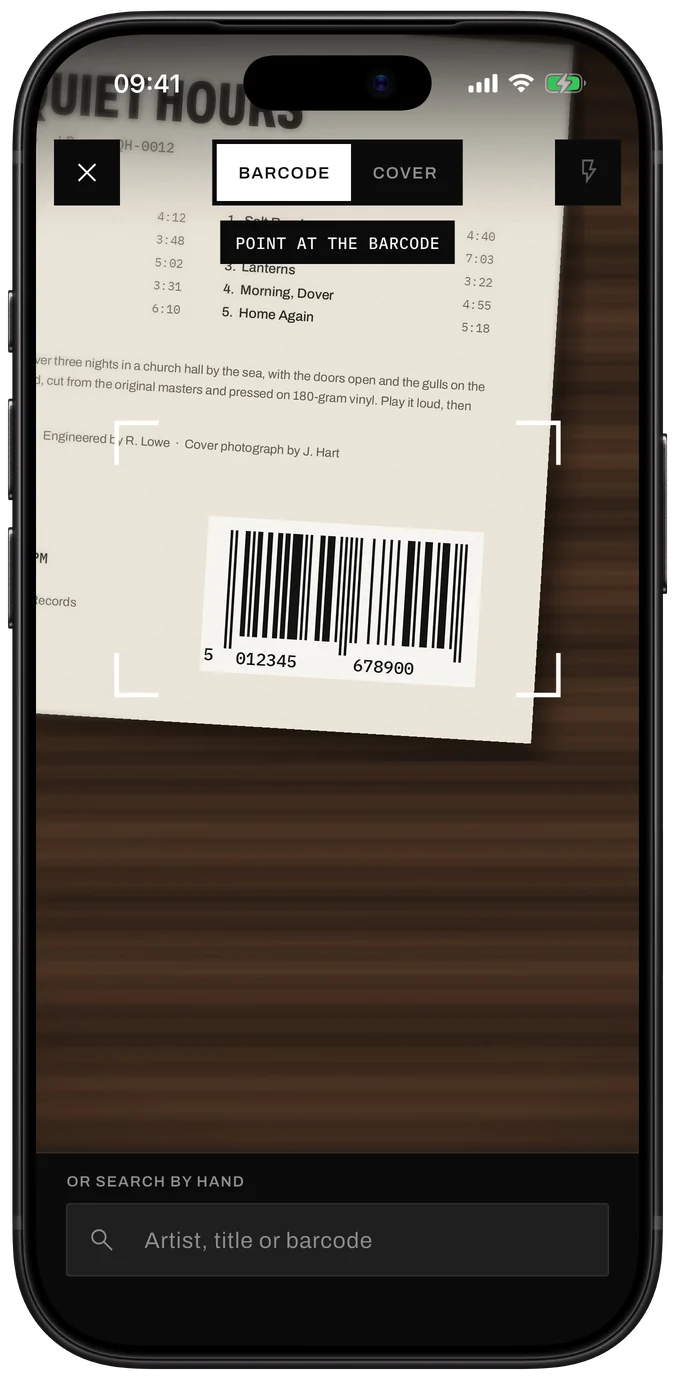
Sleevewise scanner in Barcode mode, framing the barcode on the back of a record sleeve

In short

To scan a vinyl record with Sleevewise, open the scanner and point the camera at the barcode on the back of the sleeve; the release is looked up in the Discogs database and you choose the matching pressing. For records without a barcode, switch to Cover and take a photo of the front, or search by artist, title or catalogue number.

A1

Barcode: the quick way

Most records pressed since the 1980s carry an EAN or UPC barcode. Sleevewise reads it the moment it’s in frame and searches the Discogs database, where each barcode points to one or more releases. If several pressings share it, you compare them side by side (label, catalogue number, country, year) and keep yours.
A2

Cover photo: for everything older

Plenty of the best records have no barcode at all. In Cover mode, take a photo of the front: an AI image service reads the artist and title from the artwork, and Sleevewise searches Discogs for them. The first time, the app asks before any photo leaves your phone. The free plan includes 5 cover scans a day; Premium makes them unlimited.

A3

Search by hand

Hand-written white label? Test pressing? Type the artist, title, barcode or catalogue number from the spine or the runout and pick the release yourself.

B1

Scan offline, look up later

Record shops are rarely famous for their reception. When you’re offline, Sleevewise keeps your scans in a queue and looks them up as soon as you’re connected again. Review them in one pass, then they’re in your collection.

B2

Scan in the shop, before you buy

Scanning isn’t only for records you own. Scan one in the crate to see which pressing it is and what it’s listed for on the Discogs Marketplace, then decide. Add it to your wantlist with a target price if it’s not the day.

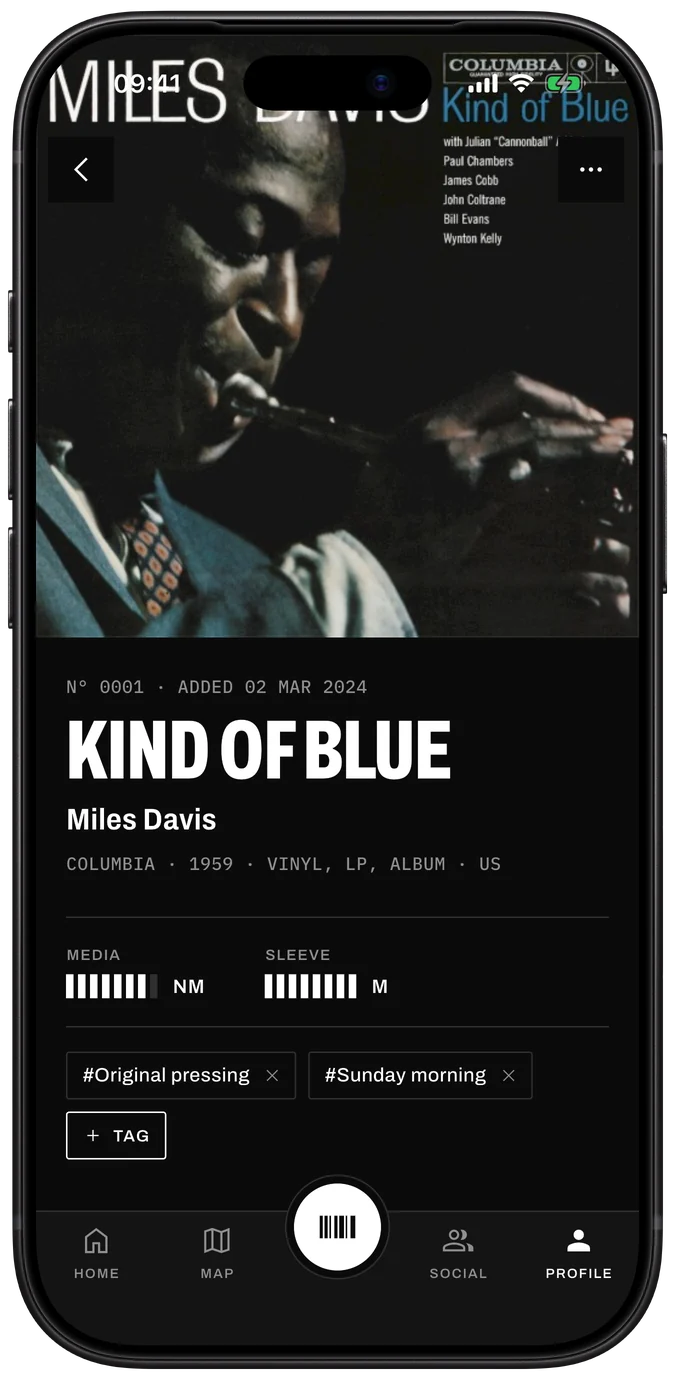
A scanned record in Sleevewise: Kind of Blue by Miles Davis, Columbia 1959, with its grades and tags
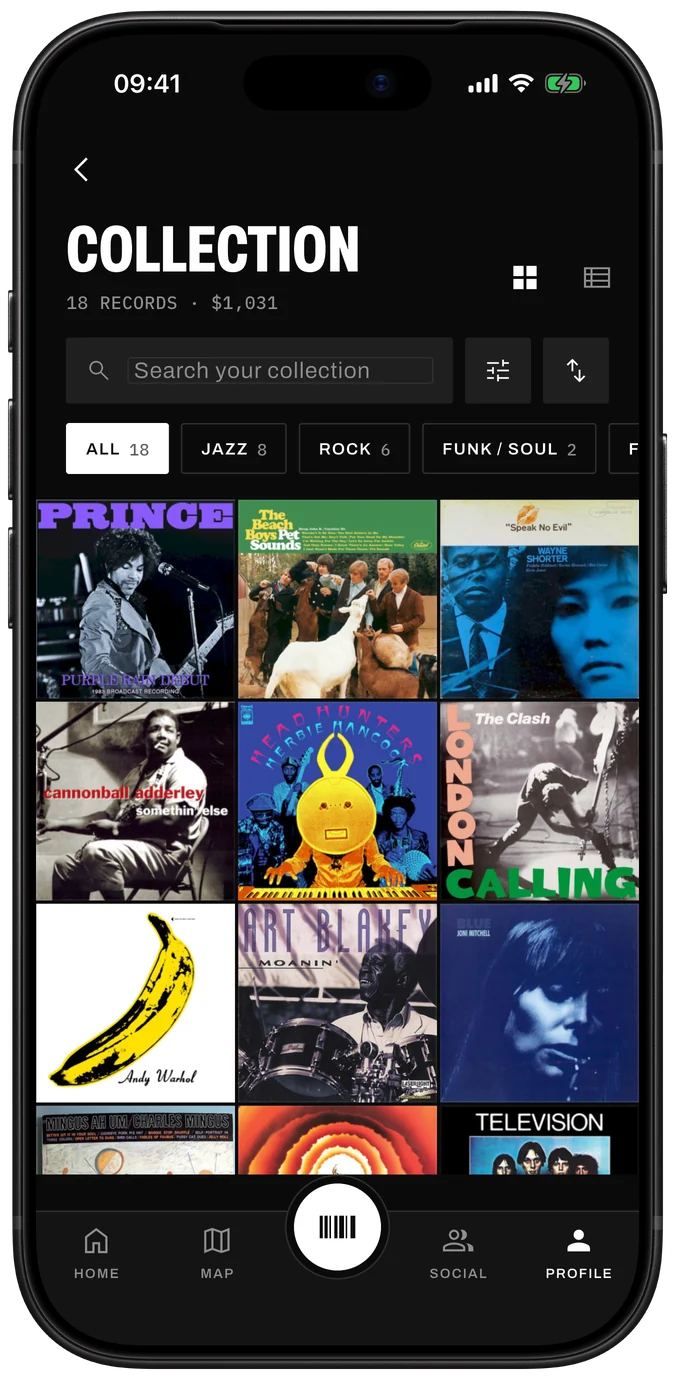
The collection in Sleevewise: 18 records as a cover wall, with search and genre filters

Questions

Straight answers.

01Can you scan vinyl records with an iPhone?

Yes. Sleevewise scans the barcode on a record’s sleeve with the iPhone camera and matches it to the release on Discogs. For records without a barcode, it can identify the cover from a photo.

02What if my record has no barcode?

Use Cover mode to photograph the front of the sleeve, or search by artist, title or catalogue number. The catalogue number is printed on the spine, the back and the label.

03Is the vinyl scanner free?

Barcode scanning and search are free without limits. Cover recognition is free 5 times a day, unlimited with Premium.

04What happens to the cover photos?

The photo goes to an AI image service to read the cover and is not kept by Sleevewise. The app asks for your consent before the first one.

Start with the records on your shelf.

Free up to 100 records. No account needed to start.

Coming soon to the App Store