
How to Catalogue Your Record Collection
Pick one system, identify the exact release, and log a few key fields per copy. Here's a practical way to catalogue vinyl and keep it current.
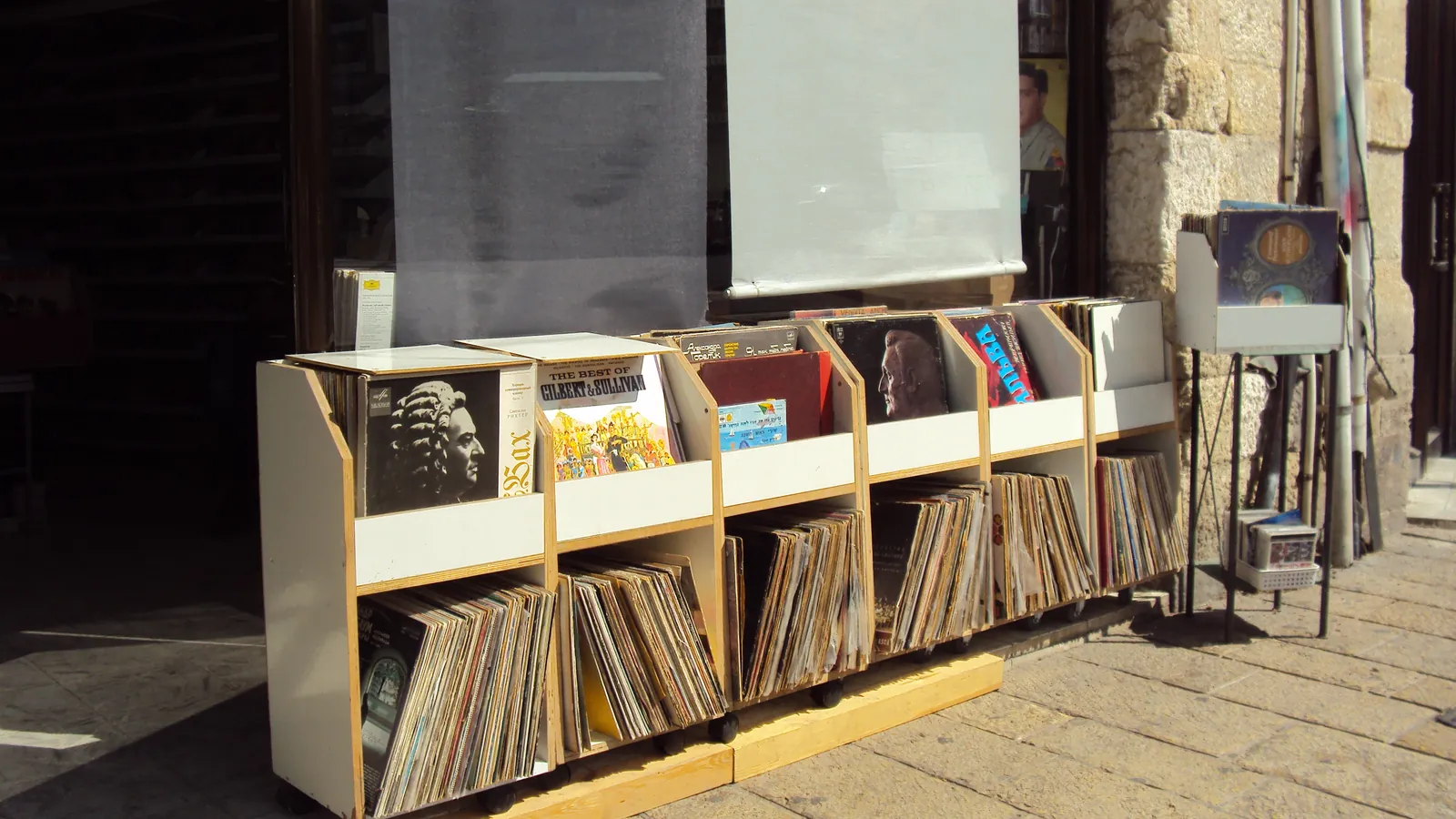

Cataloguing a record collection comes down to three decisions: pick one system as your single source of truth, identify the exact release for each copy rather than just the album title, and log a handful of fields consistently. Everything else — genre tags, shelf order, photos — is refinement on top of those three.
Most of the pain in cataloguing large collections comes from skipping the second step. "Dark Side of the Moon" is not enough detail: which pressing, which country, which year, which catalogue number? Get that right per copy and the rest of the system holds together. Get it wrong and you end up with a spreadsheet that looks complete but cannot actually tell two copies of the same album apart.
Pick one system, and make it the source of truth
Three approaches cover most collectors:
- Discogs collection. Free, tied to the largest release database available, and it already knows most catalogue numbers, barcodes and pressing variants for you. Weak on custom fields like shelf location or purchase price unless you use notes.
- A spreadsheet. Total control over fields, works offline, easy to back up as a file — but you enter every release's details by hand, and nothing checks your catalogue numbers against a real database.
- A dedicated app. Barcode and cover-photo scanning speed up entry, and a good one pulls release data from Discogs automatically while still letting you record grades, purchase details and shelf location per copy.
Whichever you choose, use exactly one as the record of truth. A collection tracked in two places at once — a spreadsheet and Discogs, say — drifts out of sync within months, and you stop trusting either.
None of this rules out using more than one tool at different stages. Plenty of collectors keep their collection in Discogs because the release data is already there, then import it into an app that adds the fields Discogs doesn't handle well, such as shelf location or a running insurance value. The rule is about which one you trust when they disagree, not how many tools touch the data.
Identify the exact release before you log it
The single detail that makes a catalogue useful later is the release identifier, not the album name. Discogs' own contributor guidelines ask editors to record catalogue numbers and other identifiers precisely for this reason: they are what separates otherwise identical-looking pressings of the same album.
Before you log a copy, capture:
- The catalogue number printed on the spine, label or sleeve.
- The barcode, if the release has one (pre-1980s records generally do not).
- The label variant — logo version, colour, text layout — since labels change across pressings even when the catalogue number does not.
- Enough of the matrix/runout to distinguish pressings when catalogue numbers are shared. If you are not sure whether you are looking at a first pressing, that is worth settling before you file the record away, not after.
Do this in the app:Sleevewise · Collection
What to record for each copy
Beyond the release identifier, a handful of fields make the difference between a list and a useful catalogue:
| Field | Why it matters |
|---|---|
| Release ID / catalogue number | Ties the entry to one specific pressing, not just an album. |
| Media grade and sleeve grade | Condition drives value and resale price; grade them separately. |
| Purchase price, date and source | Tracks what you actually paid, and where — useful for insurance and for spotting a good deal in hindsight. |
| Shelf or box location | Saves you searching the whole collection for one record. |
| Notes | Anything unusual: a signed copy, a damaged corner, a repress you are unsure about. |
| Photos | Proof of condition at the time of purchase, useful for disputes and for insurance. |
If you own more than one copy of the same release — a backup, a duplicate from a trade, an upgrade you haven't sold the old copy of yet — give each one its own entry rather than a quantity field. Grades, purchase details and shelf location differ copy to copy, and a single shared entry hides exactly the information you'd need to tell them apart later.
A catalogue that only names the album is a wantlist wearing a disguise. Log the pressing, not just the title.
A faster workflow for large collections
Cataloguing five hundred records one search box at a time is where most people give up. A faster order of operations:
- Barcode scans first, for anything from roughly the 1980s onward — this is the fastest and most reliable lookup, since the barcode maps to one specific release.
- Cover-photo recognition next, for older records without a barcode, matching the sleeve art against release photos instead.
- A runout check last, only for the copies where the barcode or cover match returns more than one plausible pressing.
- Batch it. Sort a stack by whether they'll need step 1, 2 or 3 before you start, rather than switching methods record by record.
Organise the shelves to match the catalogue
Whatever order you keep on the shelf — alphabetical by artist, by genre, by label, or chronological — mirror it in the catalogue's folders or tags. A physical order that does not match the digital one defeats the point of cataloguing at all: you will find yourself searching the app and then still scanning the shelf by eye. If you use folders or box numbers, record them as a field per copy so "where is this record" always has an answer that doesn't rely on memory.
Tags are worth keeping separate from folders, since they answer a different question. A folder is generally where a record physically lives; a tag can cross-cut that — "for sale," "digitised," "signed," "to be graded" — without moving anything off the shelf. Keep the tag list short. A handful of tags you actually use beats thirty you set up once and forget.
Back it up, and use it as an insurance record
A catalogue with photos, purchase prices and dates already does most of the work of a home inventory. The California Department of Insurance's home inventory guide recommends updating a home inventory at least once a year, and keeping a copy of it — plus supporting documentation like receipts — somewhere away from the home itself, such as a safe-deposit box or a relative's house. A cloud-synced catalogue effectively does the "somewhere else" part automatically; a spreadsheet on the same laptop that sits next to the shelf does not.
Photographs matter here specifically because, as the guide notes, they help describe an item that is hard to put into words or for which you no longer have the receipt — exactly the situation for anything bought secondhand, which is most of a vinyl collection.
Frequently asked questions
01What's the best way to catalogue a vinyl collection?
Pick one system (Discogs collection, a spreadsheet, or a dedicated app) and use it as your only source of truth. Identify the exact release for each copy using its catalogue number, barcode and label variant, then log condition, purchase details and location consistently.
02Should I catalogue by album title or by exact pressing?
By exact pressing. The album title alone can't tell two different pressings of the same record apart, which matters for both condition-based value and for knowing which copy is which if you own more than one.
03How often should I update my record collection catalogue?
Log purchases and sales as they happen rather than batching them, and audit the shelves against the catalogue periodically. If you're using it as an insurance record, update it at least once a year.
Keeping it current
A catalogue only stays accurate if updates happen at the moment of the purchase or the sale, not in a batch "someday." Log a record when it arrives, before it goes on the shelf — it takes less time than trying to reconstruct the details of ten records at once, three months later. Periodically audit a shelf section against the catalogue too: it catches records that were never logged, and copies that were sold or lent out but never removed.
From catalogue to collection
A well-kept catalogue is also the foundation for everything else you do with a collection: it is what turns grading into a permanent record instead of a one-time judgement, what makes checking what your records are worth possible copy by copy, and what tells you, before you buy a record at a fair or a shop, whether you already own it. It pays off most at the exact moment cataloguing feels least urgent: standing in front of a crate, trying to remember whether you already have a particular pressing at home.
On Sleevewise, a barcode or cover scan logs the release, and grading, purchase details and shelf notes live on the same entry, so the catalogue stays in one place rather than split across an app, a spreadsheet and memory.
Sources
- Database Guidelines 4. Label / Catalog Number — Discogs Support
- Database Guidelines 5. Barcodes & Identifiers — Discogs Support
- Home Inventory Guide — California Department of Insurance
Keep digging
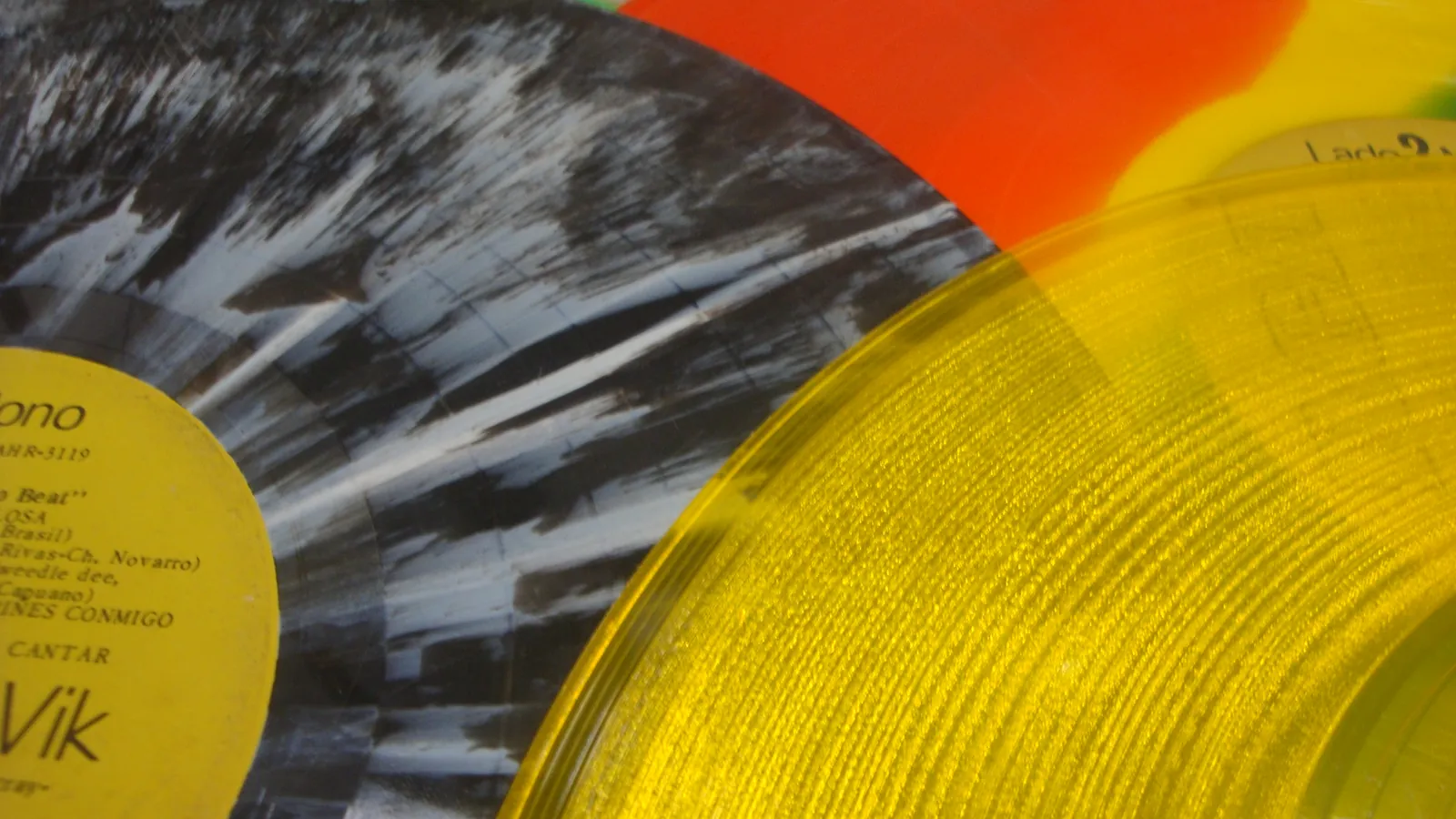
Colored Vinyl vs Black: Does It Sound Worse?
Solid and translucent colours generally sound the same as black vinyl today. Marble, splatter and picture discs are the riskier tiers to know.
180g Vinyl vs Standard Weight: Does It Sound Better?
180g and standard records use the same stampers and groove depth. The extra weight adds durability and a premium feel, not automatically better sound.
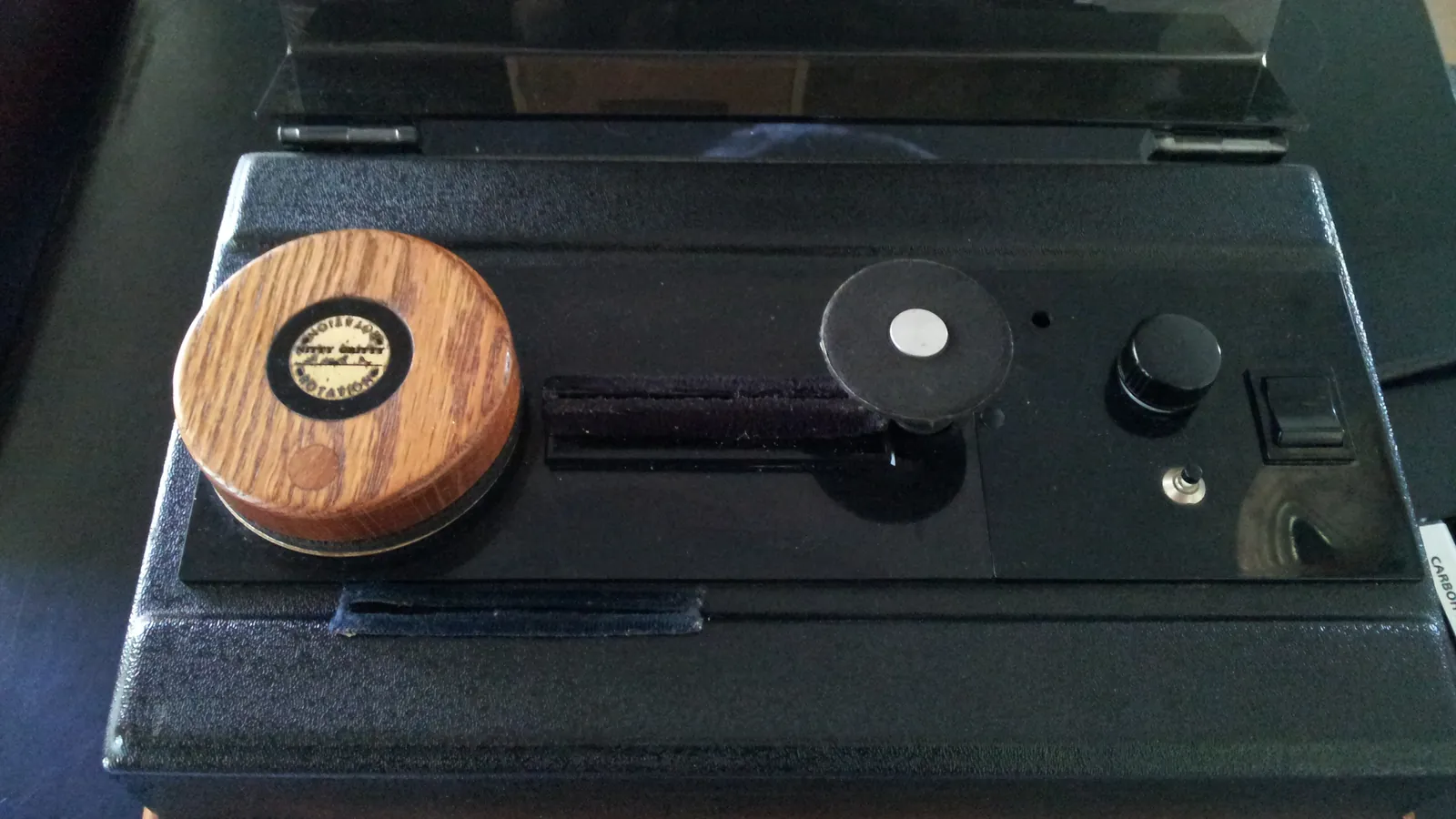
How to Clean Vinyl Records Safely: Brush, Wet or Machine
A soft brush before every play clears most dust; stuck-on grime needs a wet clean. Here's what conservators recommend, and what to avoid entirely.